Read job status and recover failures
Follow background work and avoid rerunning successes.
Read as Markdown · Open in the interactive guide
Use job history to see whether a large generation is still working, finished, or needs attention.
Open Portwood → Bulk Generation and its job-history area. Open the job to inspect its counts, generated files, and errors. Portwood Jobs in the app navigation is another way to find job records.
| Status | What to do |
|---|---|
| Draft | Check whether the job was submitted |
| Harvesting | Wait while records are collected |
| Processing | Let the job continue; check progress |
| Stitching / Merging | The engine is assembling large-data fragments or combined PDF parts |
| Completed | Review the files and counts |
| Completed with Errors | Read the errors and identify which records still need work |
| Failed | Read the error before starting another run |
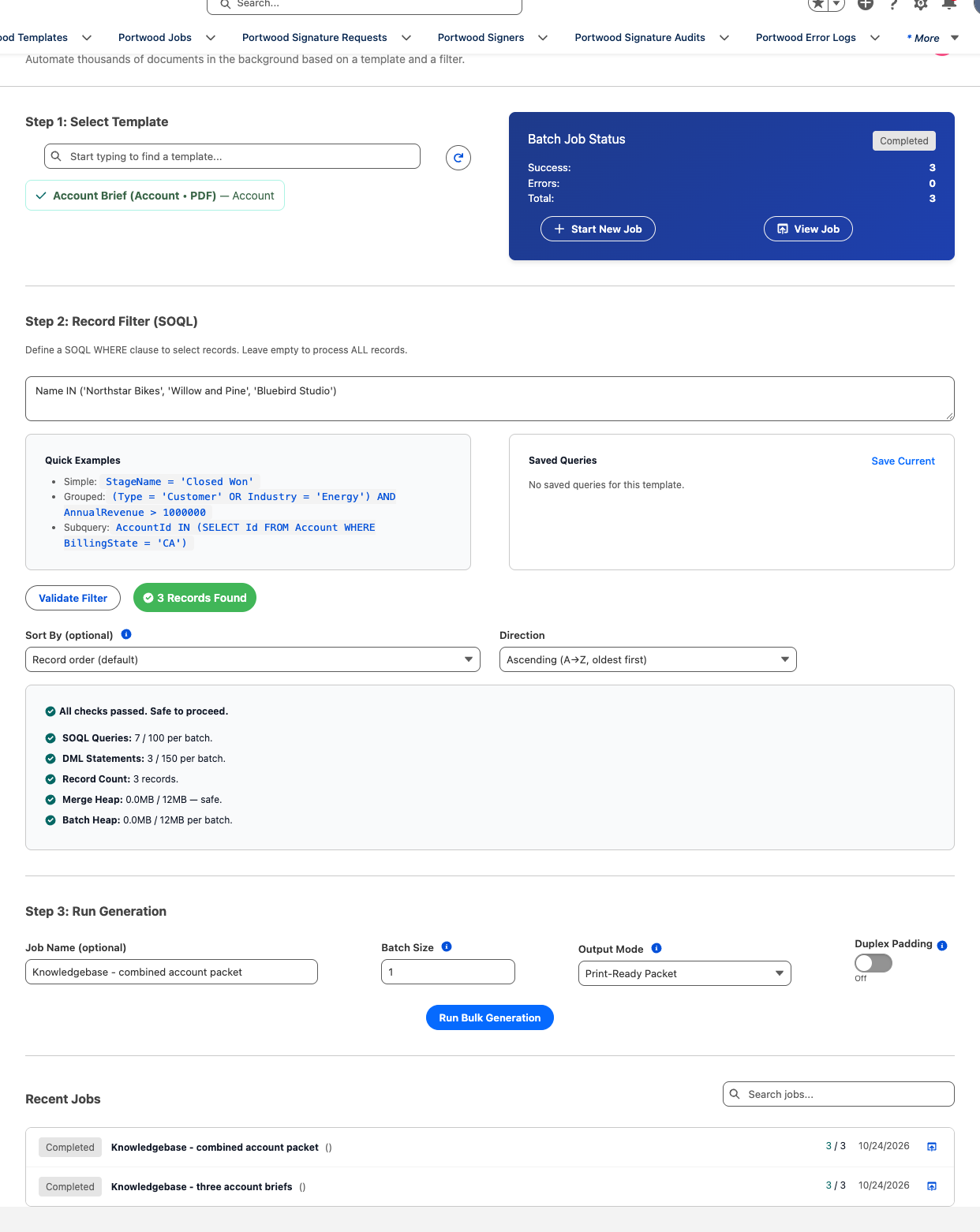
Check a partially successful job
- Open the job.
- Note its success and failure counts.
- Open the error details and identify affected records.
- Check whether separate recovery jobs are still running.
- Fix the cause or narrow the filter to the records that need another attempt.
Rerunning the original full filter can create additional files for records that already succeeded.
When a record has an unusually large related list
Some Individual Files failures are retried automatically through the large-data path. Look for the associated recovery jobs and their results. The original job can still say Completed with Errors while those separate jobs finish.
Recovery is capped, and combined-PDF failures are not automatically folded into a new combined packet. Read the job's messages rather than assuming every failed record was recovered.
When nothing is moving
Ask your administrator to check Salesforce Apex Jobs and Portwood Error Logs. Include the job ID, template name, time, and displayed error when reporting a problem. Avoid starting repeated duplicate jobs while the first is queued.
For persisted field/API names and a Flow refresh loop, see Follow asynchronous jobs. Friendly progress labels can differ from the stored job state.