Try the worked examples
Download example templates and compare them with finished output.
Read as Markdown · Open in the interactive guide
Start with a working example, then change one thing at a time.
These files use standard Salesforce fields. The fictional examples use Northstar Bikes, its Contacts, and its Opportunities.
Account brief
Makes: A customer summary with Contact rows, Opportunity rows, and a total.
Base object: Account. Type: HTML. Output: PDF.
Open the Account Brief template. Use GitHub's download control to save the HTML file, then import it.
Include these fields:
- Account: Name, Industry, Phone, BillingCity, BillingState, AnnualRevenue.
- Contacts: FirstName, LastName, Title, Email.
- Opportunities: Name, StageName, Amount.
Sort Contacts by LastName and Opportunities by Name. Generate with an Account that has both lists.
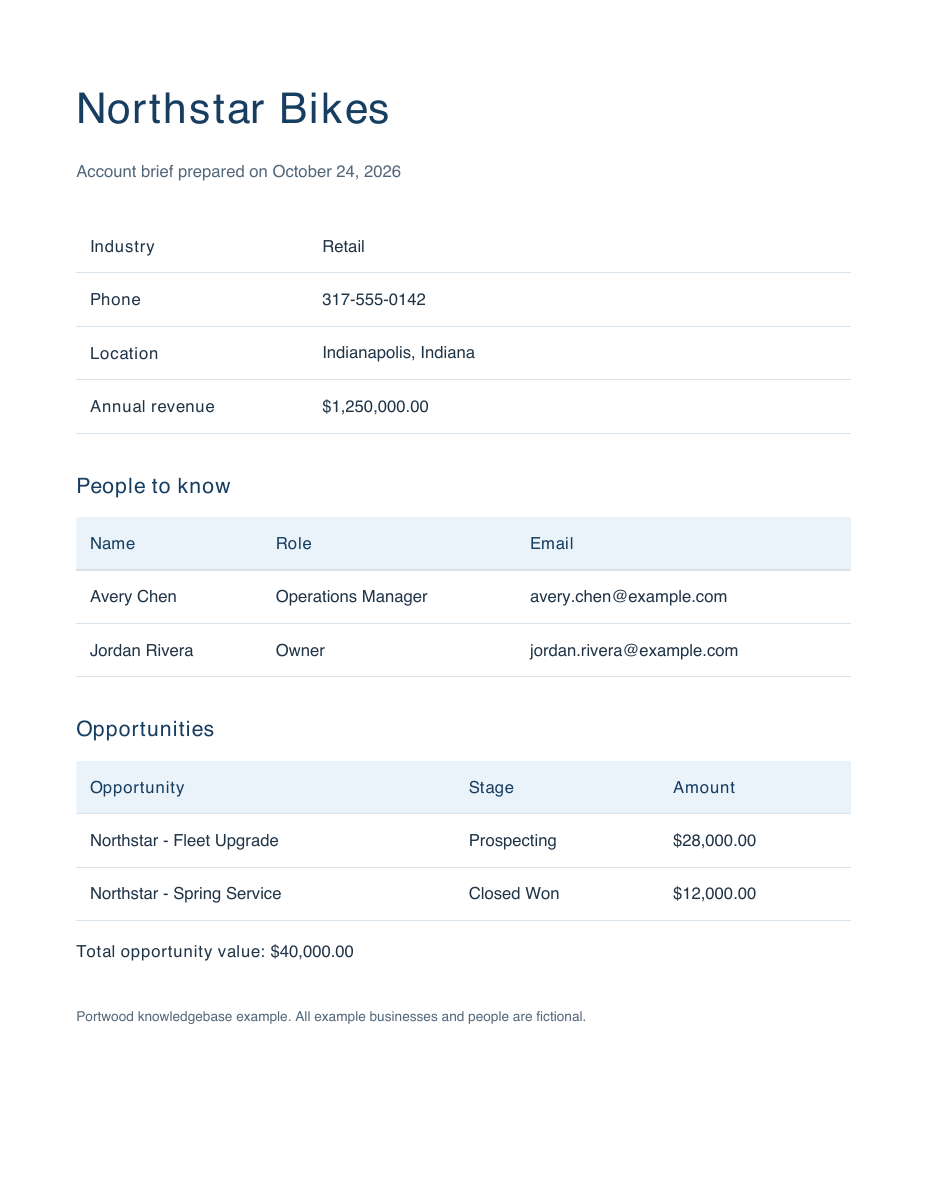
Try next: Remove one optional value, add another Contact, change a heading, then regenerate. The corresponding values and row count should change without redesigning the table.
Opportunity summary
Makes: A one-page deal summary with a parent Account, formatted amount/date, and a conditional closing message.
Base object: Opportunity. Type: HTML. Output: PDF.
Open the Opportunity Summary template.
Include Name, Account.Name, Amount, StageName, CloseDate, and IsWon. Generate once for a won Opportunity and once for an open one; the final message should change.
Signing practice
Makes: A fictional practice document with a Customer signature and signing date.
Base object: Account. Type: HTML. Data: Name.
Open the Signing Practice template. Use the signer role Customer to match its tags.
Use it in a test org before sending real agreements. It demonstrates signature placement; it is not a business contract.
More advanced examples
The repository's demo template library includes additional layouts. Read each example's field and object requirements before importing it; some require the demo schema or a developer-supplied provider.
Advanced layout lab
Use Repeat table headers for the 90-row, four-page HTML lab and rich page footers for its two-line Page X of Y footer. The downloadable body/footer and scratch-only verification script make the recipe repeatable for later releases. For subscriber code, use the custom provider and Queueable generation example.
For a sequence you can build in a sandbox, open the recipe library.